
Name-Based Case Searches
Start at the Cooke County District Clerk when the matter belongs to the 235th Judicial District Court. The office links both Texas Online Records and re:SearchTX. A party-name search works best with the full last name and a first name, then a Cooke County and court filter. Names can vary after marriage, through initials, or because a filing used a middle name. Search only enough detail to distinguish the case.
- Choose the clerk or court that holds the case.
- Enter the last name, then add the first name if needed.
- Filter for Cooke County, the court, case type, or filing period when offered.
- Compare the cause number and case style before opening a result.
- Confirm the result with the clerk when a date or filing controls the next step.
Cooke County Login-Gated Search
The county-linked Texas Online Records service opens at an account screen rather than an anonymous search grid. Its visible controls include email, username, password, registration, login, and password recovery. The service warns against using more than one browser window. That gate matters: a blank public landing page does not prove that no Cooke County case exists.
| Visible field | Type | Status | Use |
|---|---|---|---|
| Email or username | Text | Not stated | Account login |
| Password | Password | Not stated | Secure login |
| Register | Link | Optional | Create access |
| Forgot Password? | Link | Optional | Recover access |
The County Clerk also links a criminal and civil records search for County Court at Law matters. Pick the clerk by court, not by which portal loads first.
The official Texas Online Records source shows the account screen used for Cooke County case access.
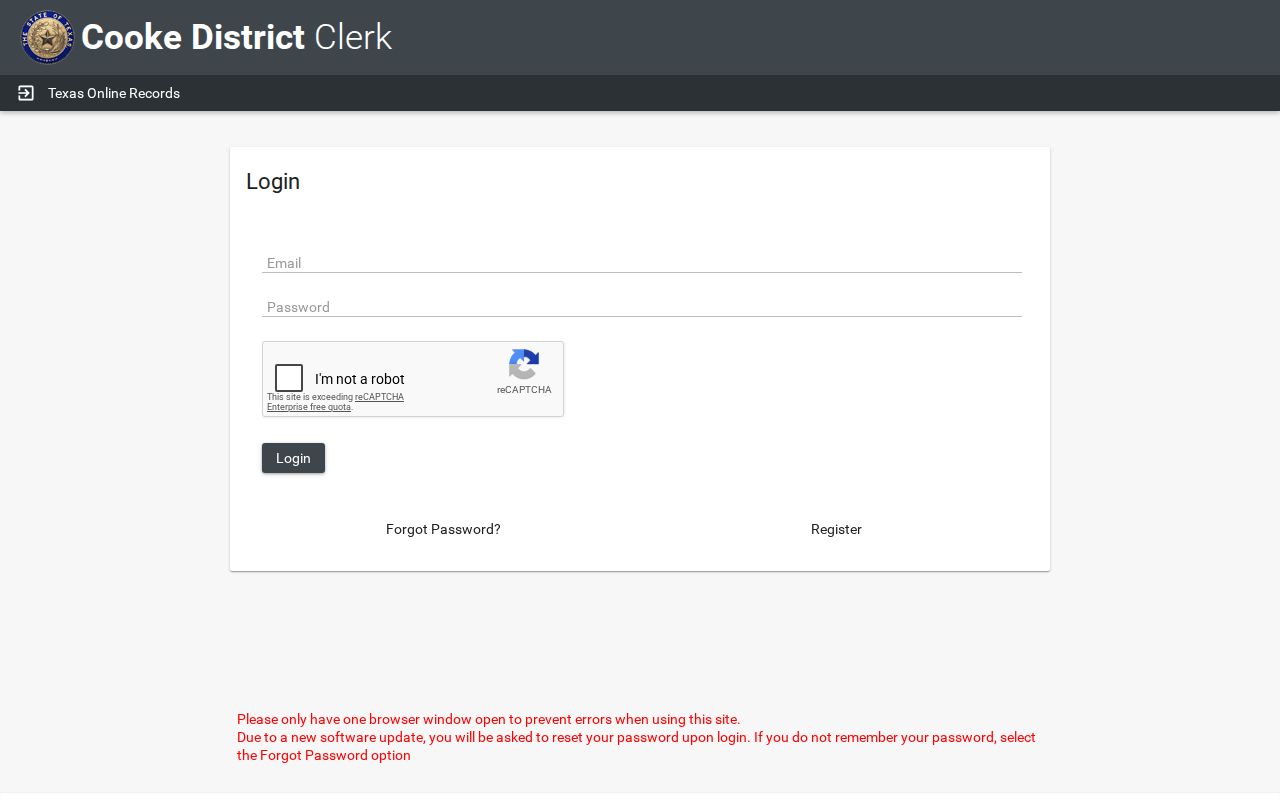
That screen confirms registration may be required before the Cooke County search fields appear.
Case Number Searches
An exact cause number is usually the cleanest key. Cooke County docket samples show prefixes such as CR25-..., CR26-..., CV..., PR..., and JV.... These are clues for criminal, civil, probate, or juvenile routing, but the published samples do not establish a full codebook. Copy the whole number from a notice, citation, order, or prior filing. Keep punctuation and leading zeroes when the search accepts them.
If a number returns nothing, try the clerk named on the paper. District felony, civil, family, and some juvenile files go to the District Clerk. County Court at Law misdemeanor, county civil, probate, guardianship, juvenile, and mental-health files go through the County Clerk. JP and municipal numbers stay with those lower courts unless appealed.
Cooke County Search Prefix Clues
Do not turn a prefix into a firm claim about jurisdiction. A weekly docket may mix cause numbers from several types of settings, and an appeal may move a lower-court matter onto a County Court at Law list. The case caption, court name, and setting type are stronger evidence than two letters alone.
- CR
- Observed on criminal docket samples.
- CV
- Observed on civil matters.
- PR
- Observed on probate matters.
- JV
- Observed on juvenile matters, where public access may be restricted.
Use the prefix to select a likely Cooke County clerk, then verify the actual court on the result. This prevents a common error: treating a helpful local pattern as a statewide numbering rule.
Case Search Results Explained
A Cooke County result can identify a case without providing every document. Weekly docket samples include the cause number, hearing time, party, attorney or bondsman, action or setting, and offense in criminal matters. County Court at Law lists may also show style, case type, date, time, age, and comments. The annual calendar is a schedule tool, not a case file.
| Cause number | The court's identifier for the case. |
|---|---|
| Style or party | The case caption or named participant. |
| Setting | The listed action, hearing, arraignment, or conference. |
| Date and time | The posted setting, subject to later change. |
| Filed or disposed | Milestones that do not replace the signed order. |
Cooke County Docket Versus File
A hearing search answers when an event is set. A filing search answers what was placed in the court file. The Cooke County docket hub publishes weekly and specialized PDF schedules, while the clerk portals can provide indexed case data and, where access permits, document images. A docket line does not include all pleadings, exhibits, orders, or the spoken record of a hearing.
For a signed judgment, indictment, sentencing paper, decree, or other specific item, request the document from the proper clerk. For what was said in court, ask whether a court reporter made a record. The Cooke County court case records page covers copy choices and clerk request channels in more depth.
Two Ways to Search: County and State
re:SearchTX is the statewide layer. Texas Judicial Council materials describe filters for county, court, case, party, filings, and hearings, plus tracked cases and document purchase. Coverage depends on court integration, date, role, and record type. The statewide public collection has historically omitted criminal records, so it should not be treated as a complete Cooke County criminal index.
| Statewide Portal | Cooke County Portal |
|---|---|
| Participating Texas courts | Cooke clerk or court records |
| Role-based access and uneven history | Local PDFs, portal, and direct requests |
| Useful when the court is uncertain | Best when the Cooke court is known |
When Cooke County Search Fails
An error page, account gate, or empty result calls for a fallback, not a conclusion. Record the official URL and the date checked. Then use the Cooke County docket hub for current weekly and specialized lists. Call the correct clerk, visit its counter, or submit the District Clerk form by email, mail, or in person. Older bound volumes may require an archive or courthouse request.
Lower-court matters need a separate route. Contact JP1, JP2, or the municipal court named on the citation. The county portal may never receive those records. A portal result should still be checked against the originating clerk when a deadline, disposition, or certified copy matters.
The official re:SearchTX source shows the separate Texas access layer.
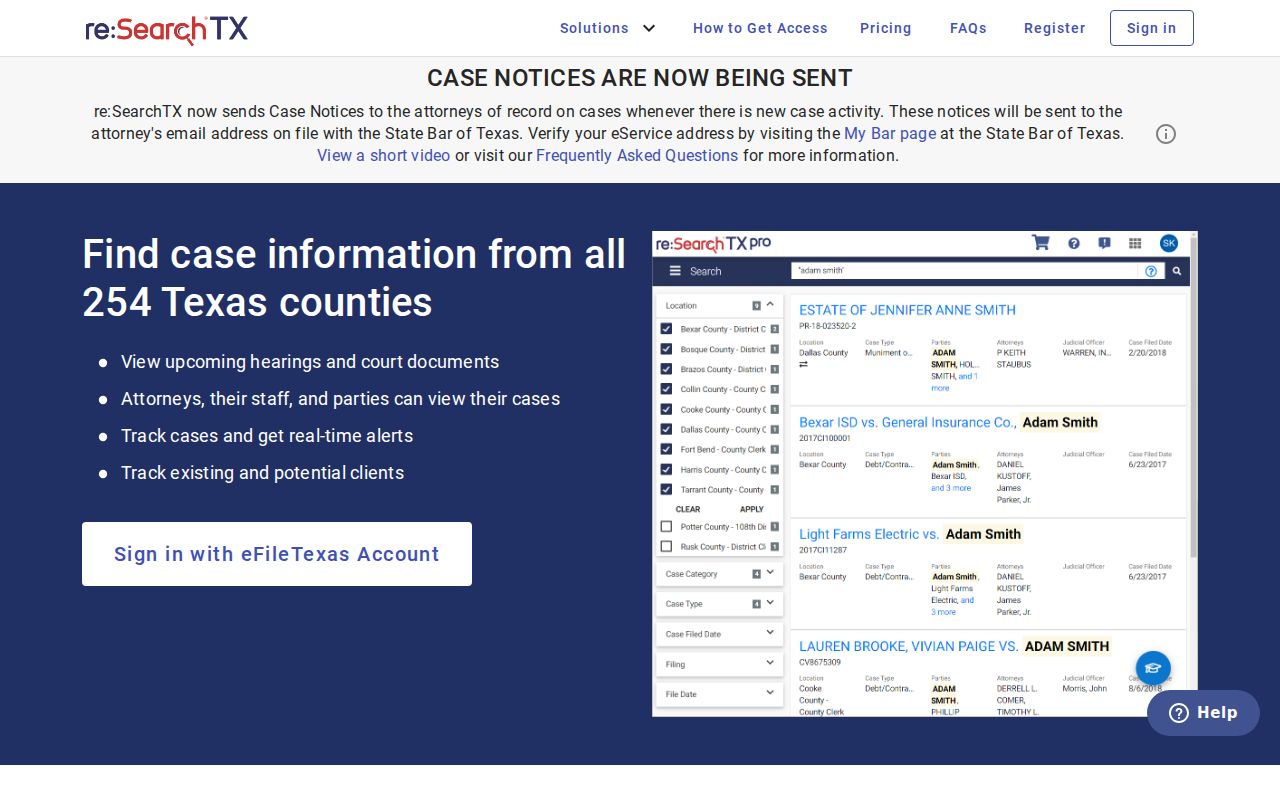
Its broader reach is useful, but local clerk verification remains the final check.
Cooke County Filing Is Separate
eFileTexas is the submission system for authorized filers. It is not the same as the public Cooke County case lookup. A person who wants to read a docket should use Texas Online Records, re:SearchTX, the posted docket PDFs, or the correct clerk. Filing rules can still affect what the docket shows. The District Clerk says a proposed order should be a separate lead document, exhibits should be combined or attached, and a motion and order placed in one envelope may receive different docket times.
The official eFileTexas source helps mark that boundary.
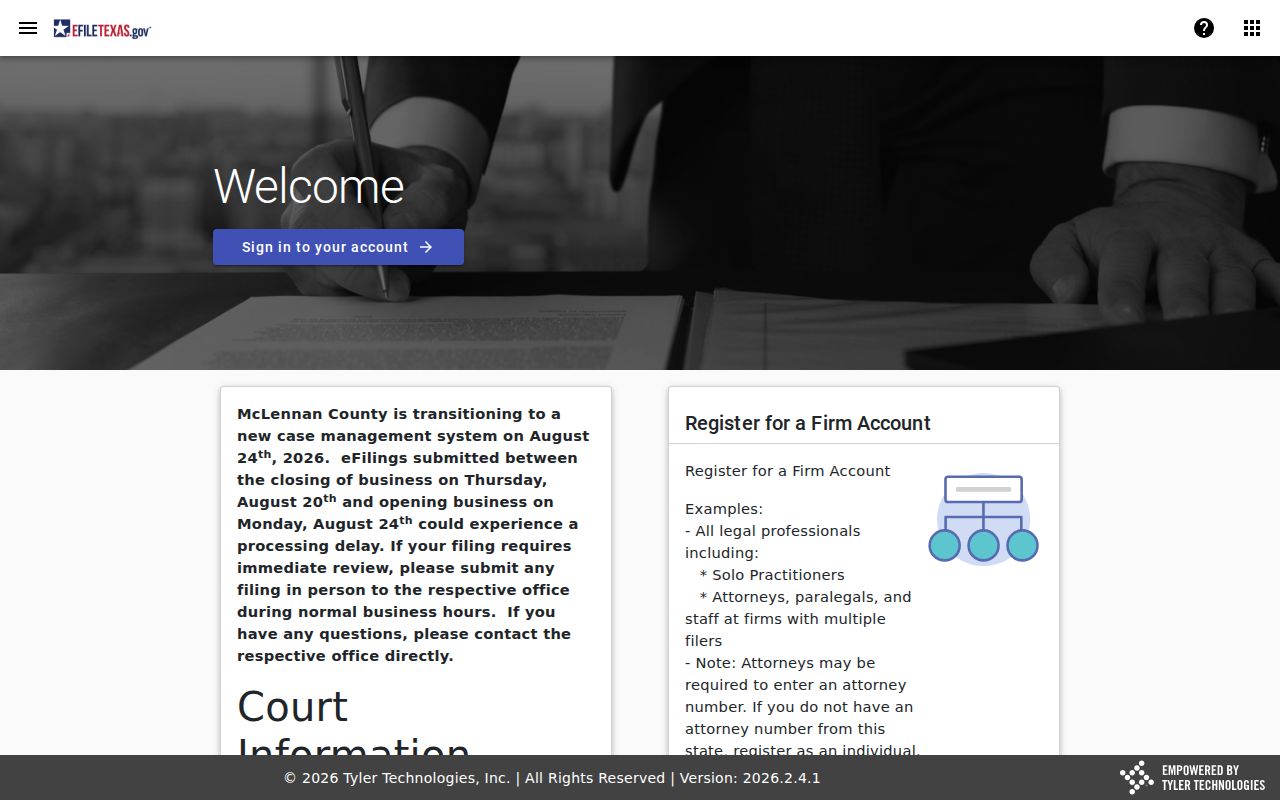
Use that system to file when authorized, not as a substitute for the public case search.
Which Cases Stay Restricted
Texas court records begin with a presumption of public access, but that does not make every filing or image public online. Juvenile, adoption, sealed, and other confidential material can be withheld or shown only to an authorized user. A missing image may mean an access limit rather than a missing case. Sensitive identifiers can also be removed from public copies.
Judicial records are governed differently from ordinary county records. The Cooke County open-records office warns that Texas Public Information Act requests sent to the wrong department may be delayed and need not be forwarded. Case records should go to the clerk or court that holds them. Texas Rule of Civil Procedure 76a governs sealing in civil cases, while Rule 12 addresses judicial-record requests outside ordinary case files.
Access point: Ask the originating clerk what proof and authority are required. Public search access does not override a sealing order or confidentiality law.
Cooke County Clerk Counter Fallback
A direct clerk request needs more than a broad name. For a district civil or family case, the posted form asks for the cause number, plaintiff, respondent, case type, and the exact decree, judgment, child-support record, or other document. A felony request can use the defendant's full name, date of birth, offense, year of disposition, and requested complaint, indictment, judgment, or sentencing paper. The form directs misdemeanor requests to the County Clerk.
The District Clerk accepts requests at Room 207 of the Cooke County Courthouse, by mail, or by email at districtclerk@co.cooke.tx.us. The office lists 940-668-5450 for questions. Advance payment is required, and mailed copies need a self-addressed stamped envelope. The posted processing estimate is five to seven business days. A request for a case number or file search carries a $5 fee, paper copies cost $1 per page, and certification costs $5.
This fallback is also useful when a portal lists the Cooke County case but withholds its image. Statewide electronic images carry a separate rate of $0.10 per page with a $1 minimum per document.
Cooke County Search Result Checks
Before relying on a match, compare four points: court, cause number, case style, and event date. Common names can produce several results. A hearing entry may also share a party name with an unrelated filing. The listed court is decisive because Cooke County divides records among the 235th Judicial District Court, County Court at Law, two justice courts, and municipal courts.
Check the status language with care. A setting means an event was placed on a calendar. A reset means the date moved. A disposition marks an outcome, but the docket shorthand may not state every term. A filed date shows when the clerk received an item, while a signed date belongs to the judge's order. When an official act matters, obtain the signed document from the proper Cooke County clerk.
Keep a short search log when results conflict. Record the portal, filters, date checked, cause number, and clerk contacted. Do not copy private identifiers into the log. That small record makes it easier to explain an account error, a stale PDF, or a statewide result that has not yet matched the local docket.